

Updates & assistance · Audio suite
A330 Audio Suite FAQ
Answers, setup tips and update status for the A330 Audio Suite on the iniBuilds A330-200 and A330-300 in MSFS 2024.
Frequently asked questions
Which aircraft does it work with?The iniBuilds A330-200 and A330-300 in Microsoft Flight Simulator 2024.
Which engines are covered?Both the GE CF6-80E1 and the Rolls-Royce Trent 700, with distinct soundsets for startup, spool-up, thrust, reverse and shutdown, inside and out.
Do I need to press anything for the crew?No. It is hands-free: open the passenger door to start boarding music and the Purser’s welcome. The crew follows your flight from there, through the safety demo, climb, descent, arrival and deboarding.
How do the pilot announcements work?Use the overhead AFT button: during taxi about 5 min before takeoff, before top of descent, and on approach around 5,000 ft.
How do I get a quiet flight deck?Press the PA button on the pedestal to mute passengers and announcements, or close the cockpit door. Keep it open during boarding to enjoy the music.
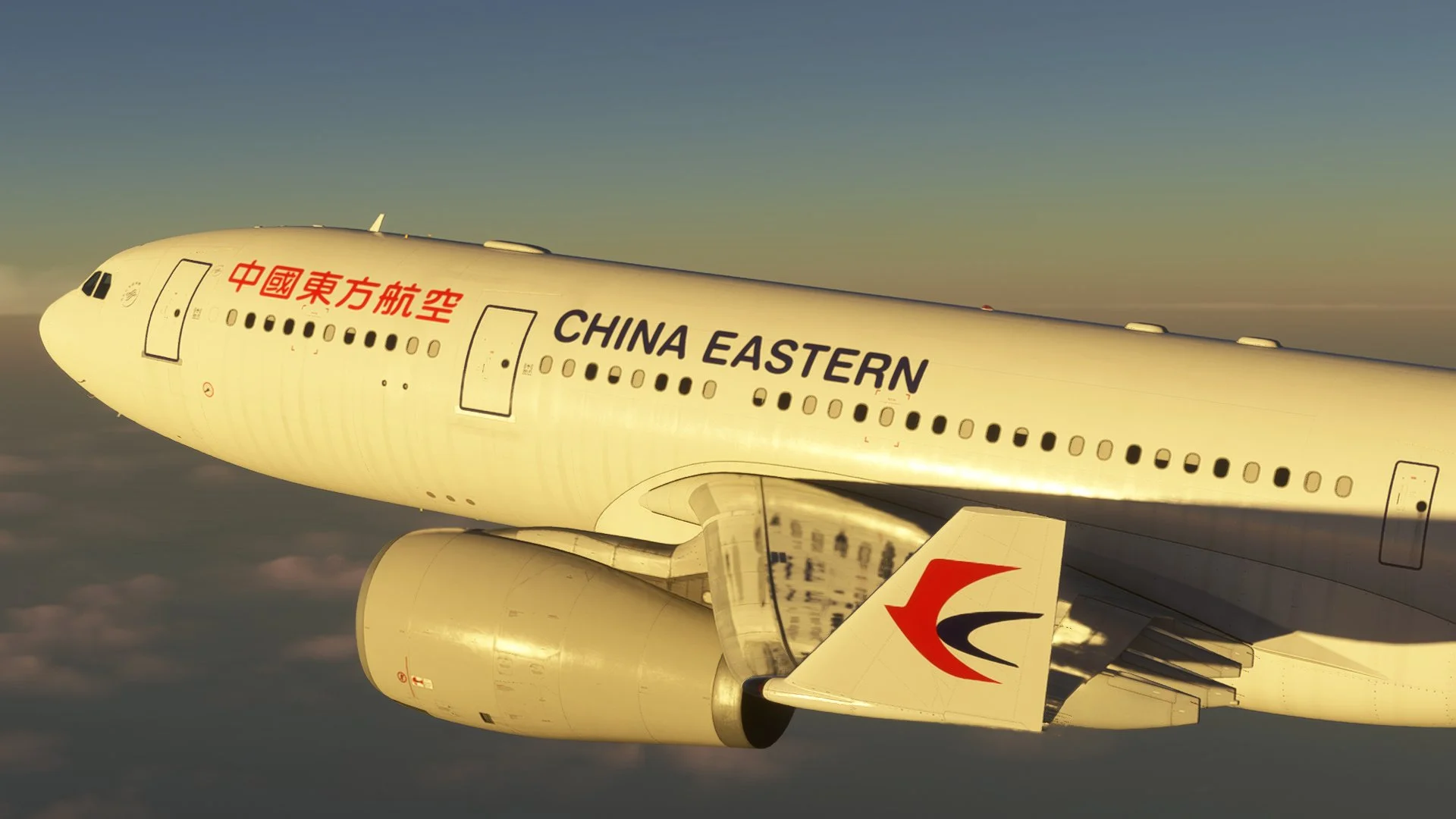
Which liveries are included?Two Bravoairspace house liveries, an A330-200 (GE) and an A330-300 (RR). The suite works with any A330 livery you own.
Why an Asian crew first?The A330 dominates Asia, especially China. The crew and music are airline-neutral and suit any route in the world.
Which crews are next?American, French, German, Spanish (Spain) and British crew packs are in development.
Can you include real airline safety demos?No, due to copyright. Custom generic audio works across all virtual airlines.
Is the music safe for streaming?Yes. All boarding and deboarding music is original and safe for live streaming.
Update status
ReleaseRelease notes and fixes will be posted here with each update.
VideosVideo previews are coming soon.