

ATG AIRLINE TRAFFIC GLOBAL
FAQ
WE ARE HERE TO HELP
This was done by simmers who’s sole focus was to implement cool visuals. And so since we love our job we love figuring out any questions you might have. Below is some facts we’ve gathered while testing ATG on console and PC.
Airports PARKED AIRLINE mismatch
This is one of the main things we’ve spent a long time trying to investigate.
At the moment, we are seeking Asobo advice and help to solve this. Look at the link below.
Traffic Unable to Spawn in Correct Assigned Region - [MSFS 2024] Bug Reports - MSFS DevSupport
We are still adding more airlines and testing other methods to solve the parking spot issues. Right now we have one way to do it but we have to keep testing it on console.
OUR RECOMMENDATIONS
The best way to enjoy ATG is by solely focusing on complete flights versus planespotting. The game will not be forced to spawn a quick livery versus giving it a chance to process real airline airport visits.
I SEE LIVERY COVERAGE BUT NO MOVING TRAFFIC
Check FLIGHTAWARE, the service Microsoft and Asobo use for online airline traffic data. Check the status in there. Normally, you will see plenty of activity even at MEDIUM settings on the console. Aircraft will line up. Normally, we at BA focus more on educating console users than PC users because on PC, ULTRA will give you all. But the MEDIUM settings are providing a great flow of transit with liveries.
FREIGHTERS CARGO PARKED AT GATE
We tried to assign these planes to only CARGO but no luck. We have approached Asobo about this. Aircraft are not obeying the rules. Asobo is working on a fix so we can override this.
TOO MANY AIRPORTS TO COVER
In order to test the ATG we would have to be awake for every time zone, seat and watch
every region in real time. Every day. If there’s anything missing remember, If you see something, say something.
Updating this package is easy and we can make adjustments when necessary.
Our focus was mainly on large airports. Busiest ones in the world. And so these were tested.
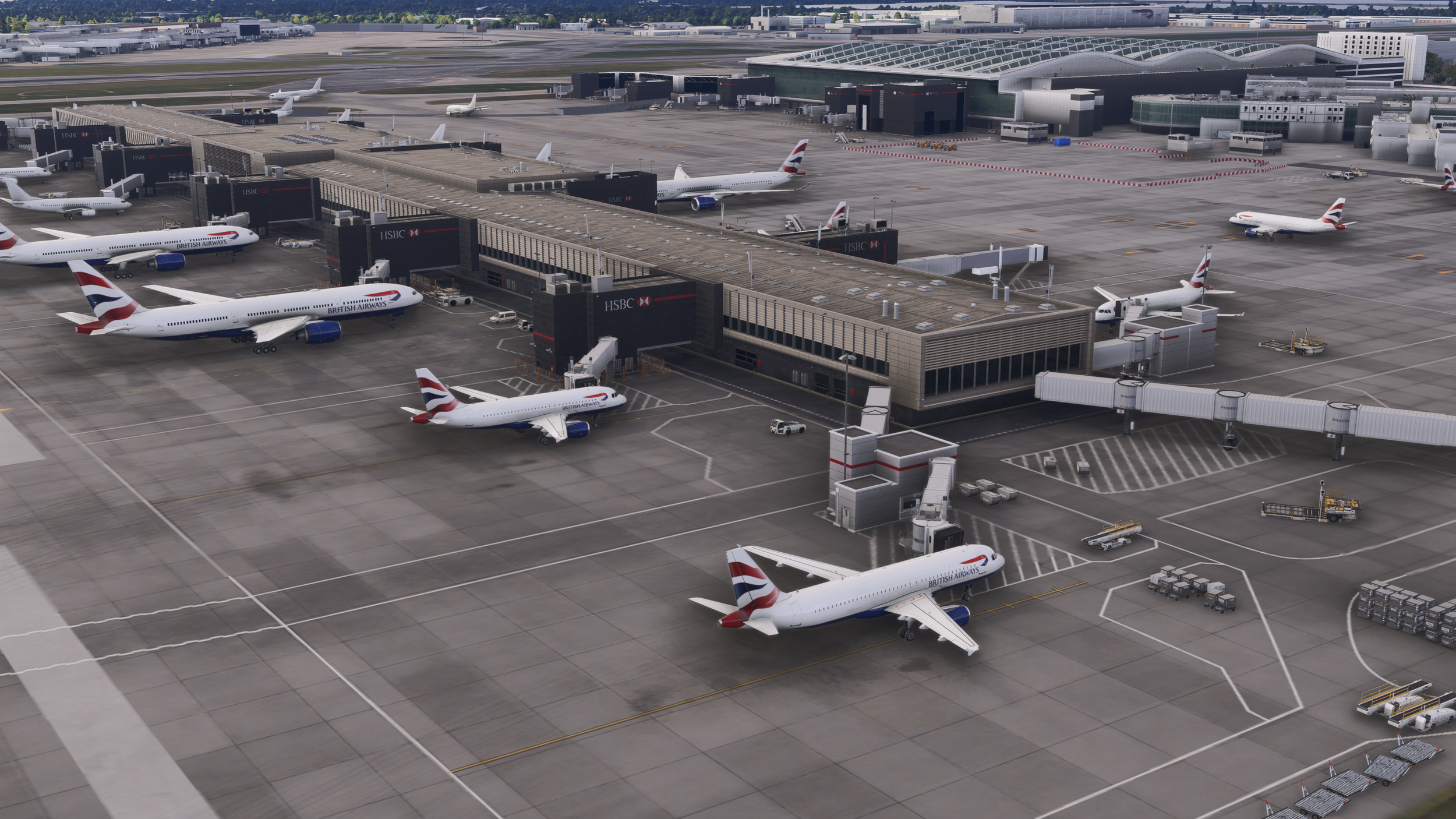
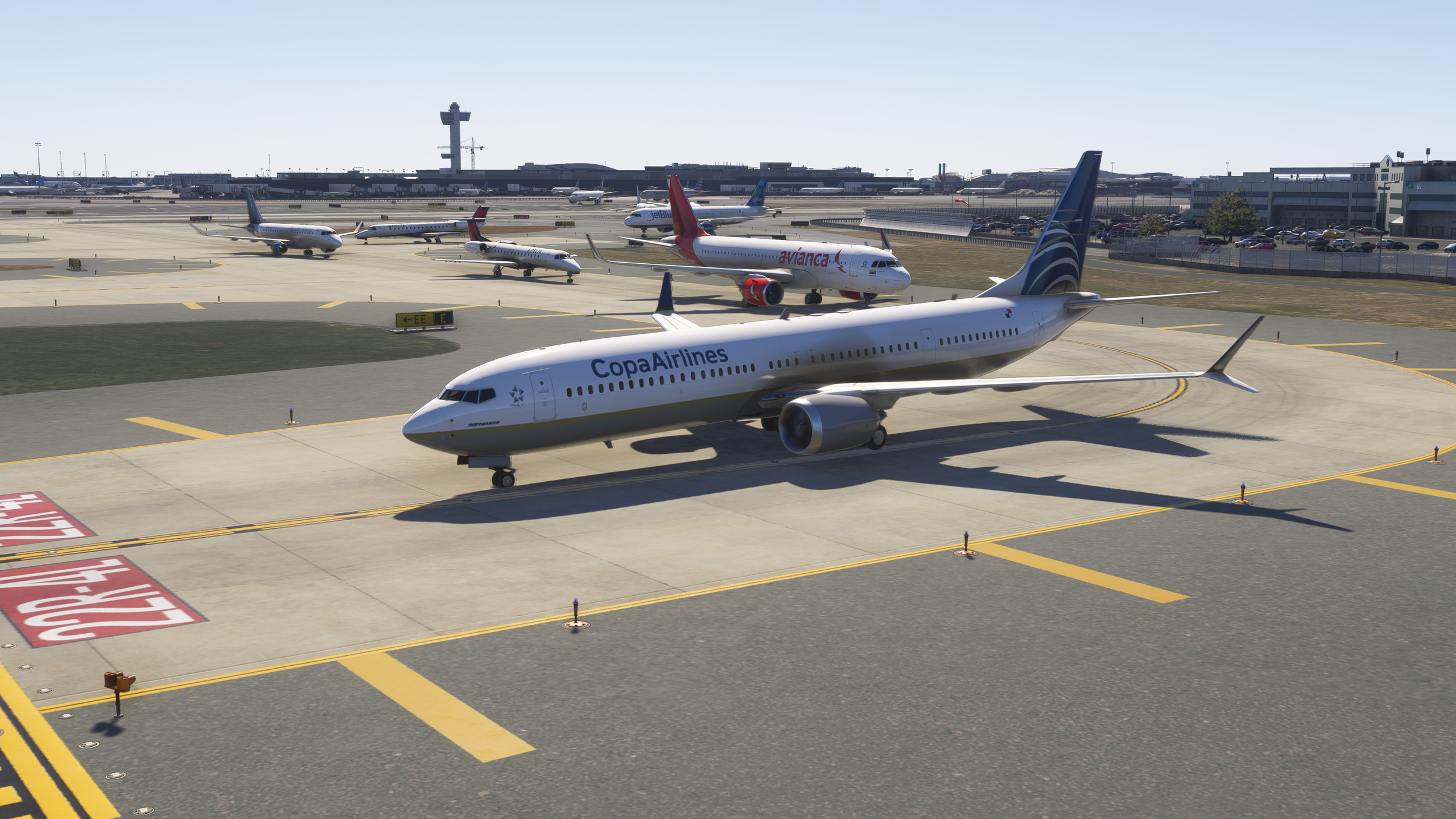
From New York, to Miami, Atlanta, Los Angeles, Heathrow, South Korea, Hong Kong, Multiple airports in Australia and so on. Yet, your feedback is always welcome. But depending on the community response we will complete the entire world by having all existing airlines in the package.
TOO MANY WHITE AIRCRAFT WHATS GOING ON?
(We have a fix we are waiting on Asobo to fix the cloud system for marketplace)
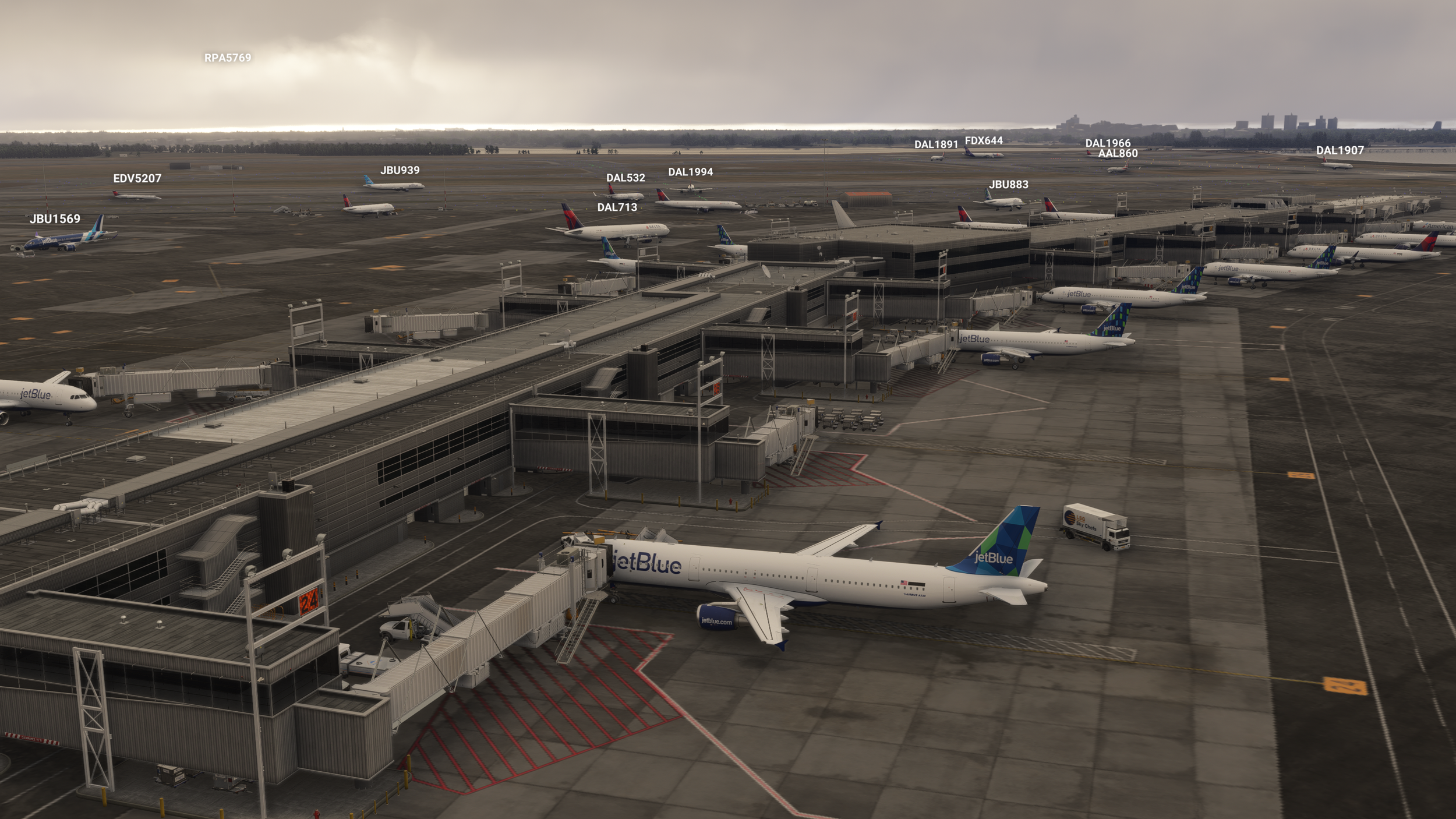
This is a hot topic. By default this is no us BRAVOAIRSPACE this is part of the rules set in the game. Even on PC white planes are heavily found. Even using freeware alternatives combined with Microsoft/Asobo flightaware systems white aircraft are parked.
Lets start here first. Most important. ONLINE>TRAFFIC TYPE> REAL-TIME-ONLINE ON
At the moment this can only be solved by:
Toggle the settings to remove and restore parking and real time traffic.
On console, Microsoft has limit the amount to [MEDIUM] on which the game will provide to you the most active airlines at the airport you are in and going to.
We are trying to figure out how to remove these white aircraft from parking spots and replace them with livery types.
We will roll out an update to cover ground but we won’t be able to dominate short to medium haul presence.
At the moment we are hoping to fix everything with Asobo’s help.
If you see too many white parked planes, toggle the parked amount of aircraft to OFF, press ACCEPT and then return and bring it back to MEDIUM and ACCEPT. It should give your airport a coverage of the most popular airline at that moment or in history.
Expect frequent updates.

A330’s HAVE WRONG ENGINE TYPES
It seems that the game shipped this way. We can’t seem to find a solution with this. But A330’s traffic models all have RR engines minus the A330neo.
3RD PARTY AIRPORTS VS DEFAULT AIRPORTS
We’ve noticed bespoke airports have great parking configurations for real traffic.
And this logic applies to 3rd party airports as well. Half of the default airports we’ve seen unfortunately have poor parking eligibility for correct airline parking. Yet, there’s some old, outdated airports like 3rd party KORD who is allowing all sorts of planes to park at the gates.
XBOX S
As of April 27, 2026, ATG was tested on XBOX S. It came back positive despite the fact it lacks memory it held well at LVFR KMIA.
PLAYSTATION FS24 MARKETPLACE?
As of April 25, 2026 we have no communication from Microsoft regarding ATG or any of our add-ons for release. We only stress our 787 family as it needs to be fully optimized due to the fact that this is their plan to mainly introduce optimized products.
EMAIL US YOUR INQUIRIES YOUR INPUT HELPS US
By already supporting this add-on you are part of the solution to improving the sim.
Thank you to those who are patient and communicative.
Update-4
September X 2026
New Liveries & Airlines Added
(Fixed missing liveries or incorrect ICAOs)
✈️ Alaska Airlines 787-9
✈️ Pegasus Family
✈️ Wingo Family
✈️ JetSmart Family
✈️ Tigerair Family
Texture Updates & Fixes
🛠️ Cessna 408: Removed our custom texture work in an ongoing effort to completely eliminate the purple texture bug.
Development Status Update
🅿️ Parked Aircraft Control: Several weeks ago, I investigated gaining control over parked aircraft traffic. Unfortunately, this remains impossible on our end. We are currently waiting on an official response or fix from Asobo.
Update-3
July 6th 2026
✨ ATG | Airline Traffic Global 📢 Update 3
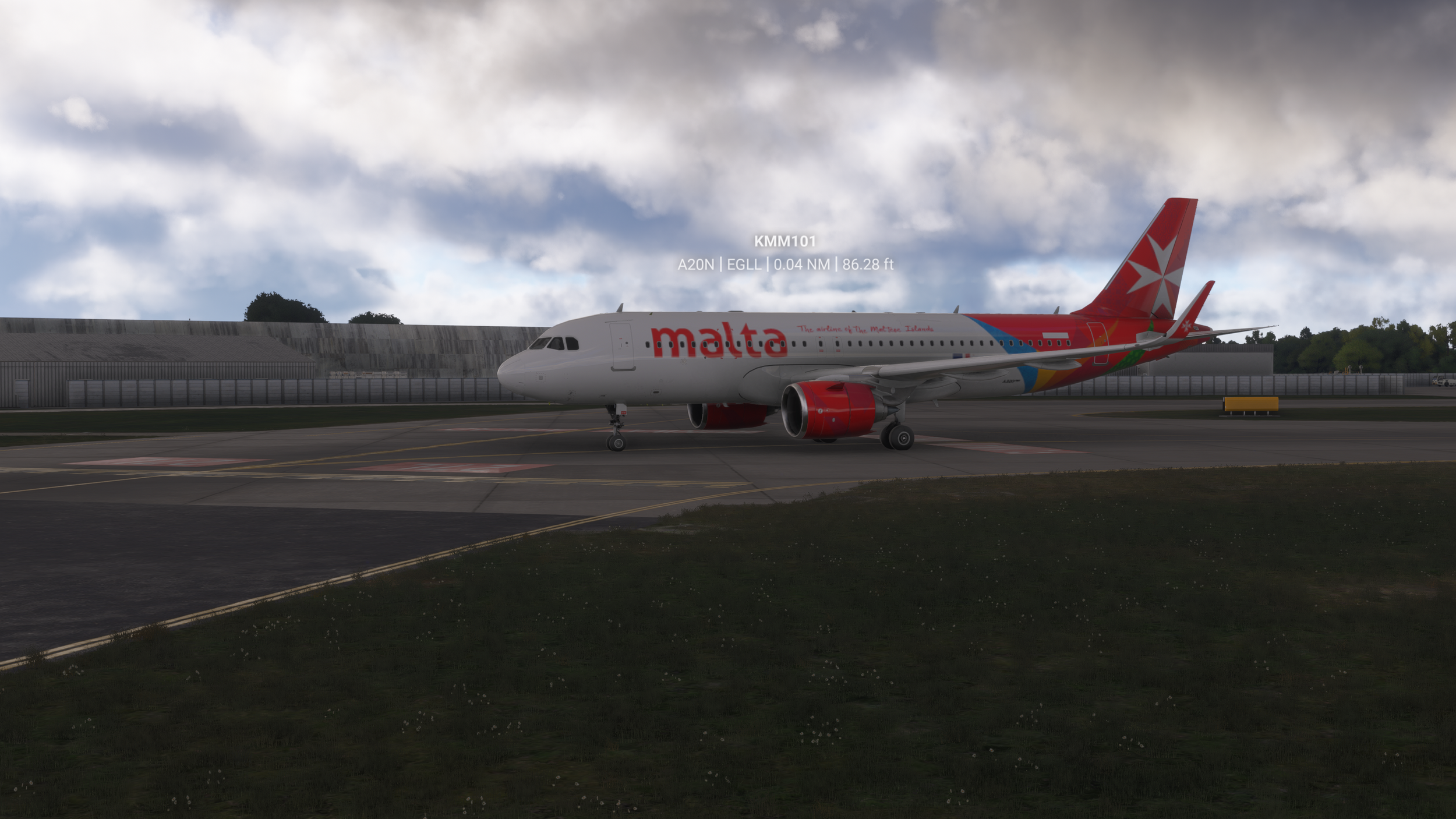
🛫 Added additional airlines: Air Astana, Druk Air, Mavi Gök, Marabu, and Surinam. Fixed Lauda.
🌐 Brussels Airlines: Applied Star Alliance livery.
🖌️ EMB: Updated house livery.
🎨 Cessna 408: Fixed purple texture.
🔧 Delta and Virgin Atlantic: Updated engines (second revision).
Update-2
June 16th 2026
✨ ATG | Airline Traffic Global 📢 Update 2 — Now Available
🎨 White/default liveries have now been fully replaced with authentic airline designs using neutral, globally consistent naming. This is currently the only improvement we were able to implement directly due to platform limitations.
🧭 Over the past week, we conducted controlled testing, iteration, and data‑driven refinement across aircraft parking logic, regional livery placement, and airport distribution. During this process, we identified a confirmed, scalable solution for the long‑standing issue of aircraft spawning in the wrong regions.
✈️ However, deploying those deeper fixes requires changes on the platform side. Until those systems are updated, replacing the white/default liveries was the only modification we could safely and reliably push live.
☁️ Platform Status: Asobo is currently reviewing updates to both the Marketplace cloud and the in‑game traffic override system. These updates are essential for ATG to properly sit above the default traffic layer and take full control of parking, spawning, and regional accuracy.
⏳ We’re optimistic the wait won’t be long. Once the platform adjustments are in place, ATG will be able to deliver the full accuracy, behavior, and regional fidelity it was designed for — seamlessly and automatically.
Update-1
Expected date of release: May 11th 2026
✨ ATG | Airline Traffic Global 📢 Update 1 — Now Available
🎨 White/default liveries have now been fully replaced with authentic airline designs using neutral, globally consistent naming. This is currently the only improvement we were able to implement directly due to platform limitations.
🧭 Over the past week, we conducted controlled testing, iteration, and data‑driven refinement across aircraft parking logic, regional livery placement, and airport distribution. During this process, we identified a confirmed, scalable solution for the long‑standing issue of aircraft spawning in the wrong regions.
✈️ However, deploying those deeper fixes requires changes on the platform side. Until those systems are updated, replacing the white/default liveries was the only modification we could safely and reliably push live.
☁️ Platform Status: Asobo is currently reviewing updates to both the Marketplace cloud and the in‑game traffic override system. These updates are essential for ATG to properly sit above the default traffic layer and take full control of parking, spawning, and regional accuracy.
⏳ We’re optimistic the wait won’t be long. Once the platform adjustments are in place, ATG will be able to deliver the full accuracy, behavior, and regional fidelity it was designed for — seamlessly and automatically.